ANSYS Tips and Tricks
Setting ANSYS Mechanical to dark mode
- Click “File” in the top left corner.
- Navigate to “Options…”
- Expand the “Mechanical” tab and click on “UI Options.”
- Under “Style” change the Color Theme to Dark.
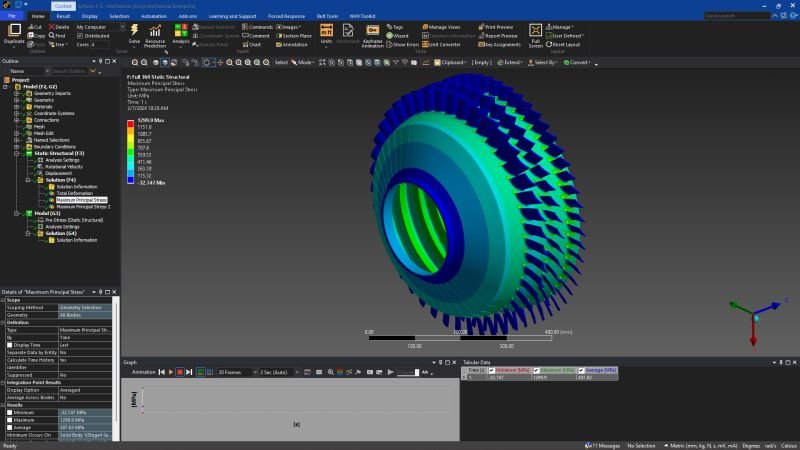
Setting a section view in ANSYS
- In the “Results” tab, select the Section Pane tool and draw a line along the section you want to cut.
- Modify the view in the left hand menu by selecting the section plane and using the tools at the top of the menu.